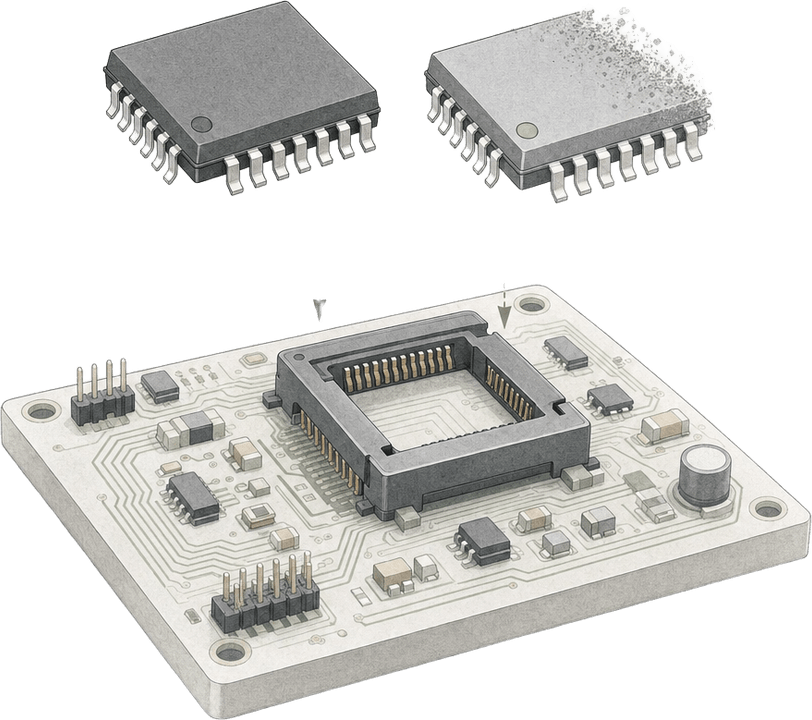
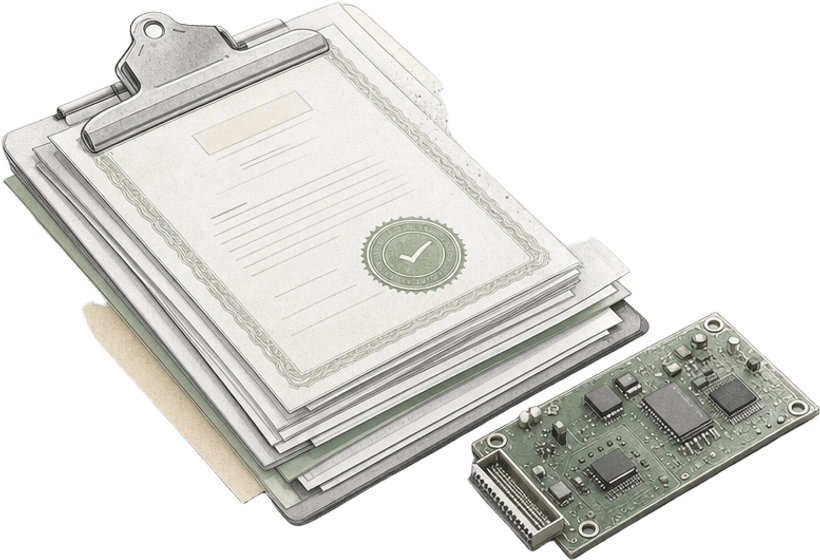
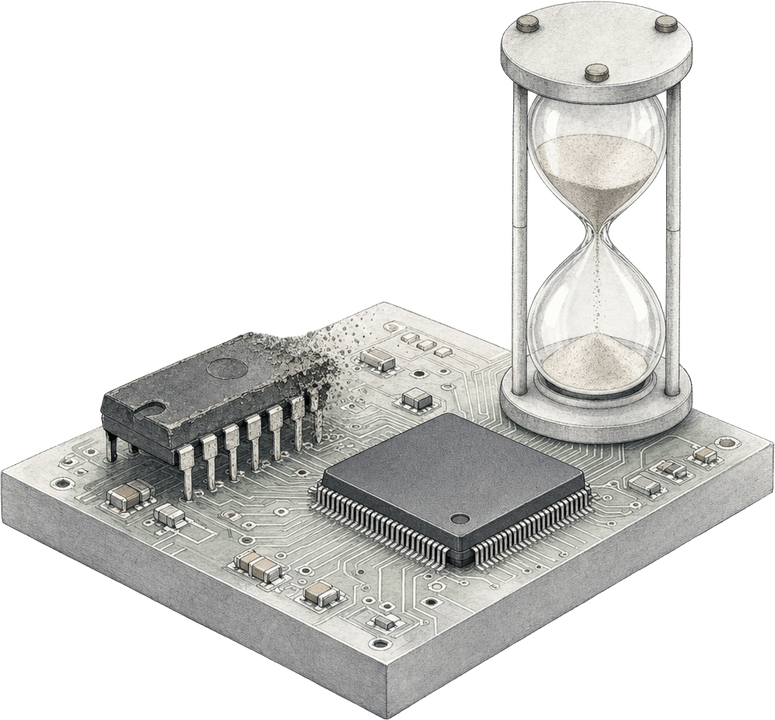
Send a BOM and a Z2 specialist checks every line for lifecycle, compliance, and alternates. You see which parts are heading to obsolescence before production does.
A Z2 specialist will follow up to scope your assessment and agree on what to share.
Book a time with your specialistBOM risk assessment
Prepared for your team
 Run with Part Risk Manager
Common Questions
Excel or CSV with manufacturer part numbers and manufacturer names. The specialist can work with the BOM export from your ERP or PLM as it is.
Z2's proprietary model weighs market demand, part activity, active manufacturing sites, and technology roadmaps. It has 90%+ historical accuracy against actual end-of-life outcomes.
Yes. 30% of component discontinuations receive no PCN, and Z2 tracks lifecycle changes whether or not a notice was issued.